Wix Legends
The UX evolution of an AI avatar creation platform: How we pivoted from a tedious onboarding to instant visual value.
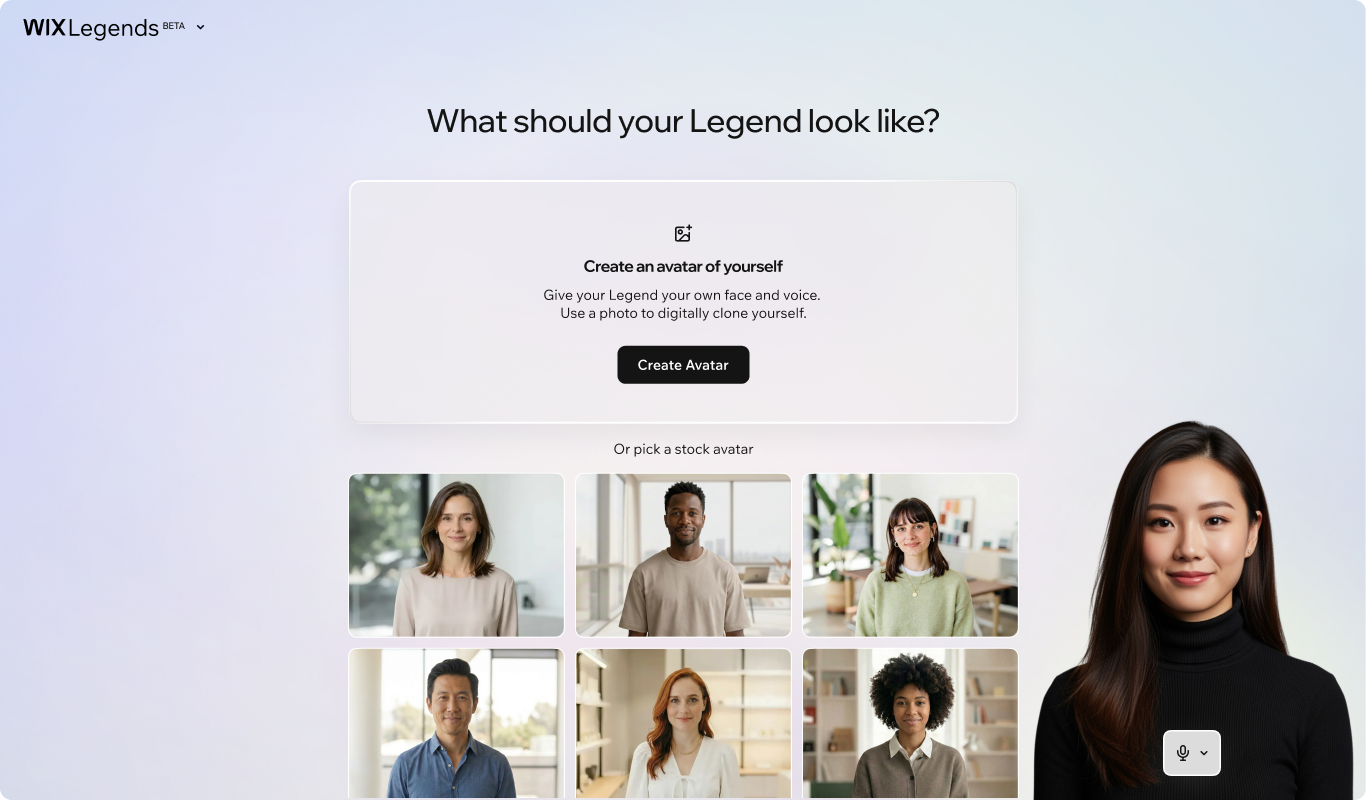
Wix Legends is an experimental B2C platform that enables users to create customizable, real-time AI video avatars to scale personal presence and drive 24/7 customer engagement.
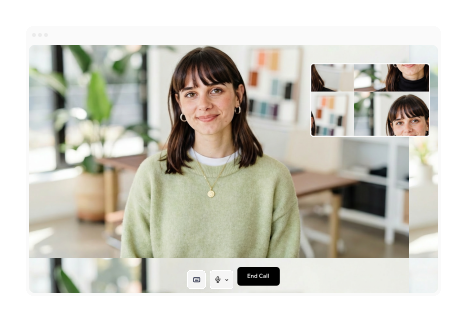
Humanizing Setup: A Conversation, Not a Form
The Product-in-Product Hypothesis. Instead of forms, we onboarded users through an interactive AI host - Atlas. This setup instantly showcased our real-time technology, while humanizing the onboarding through a conversational interface.


Personality & Trust
Shaping Atlas’s identity, look, and tone to lower friction and build immediate trust during onboarding.

Conversation Architecture
Structuring an open-ended conversational flow to naturally extract deep business data instead of using forms.
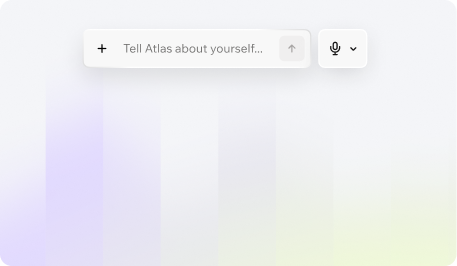
Video Interaction Continuity
Designing the UI elements - including seamless mode-switching, typing, and file sharing, to maintain a natural and intuitive video call environment.

Validation
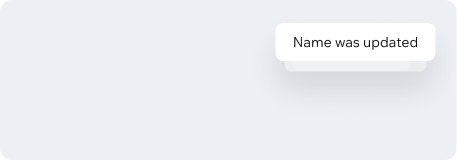
Designing real-time confirmation bubbles and creation animations to assure users that their data is being accurately captured and understood.
Conversational onboarding
For the first iteration (V1), we designed an open-ended, deep interview with Atlas. Atlas asked questions about the user's business goals, recorded their voice, and output a personalized audio preview of their digital twin. When ready, the “Call your twin” button appeared and they could preview a voice call with the twin. the video avatar will be ready in a few hours.
Our users wanted visual immediate result.
V1 tests showed they were losing patience with deep conversations and just wanted to see and control the visual output.
1. Intent-Driven Onboarding
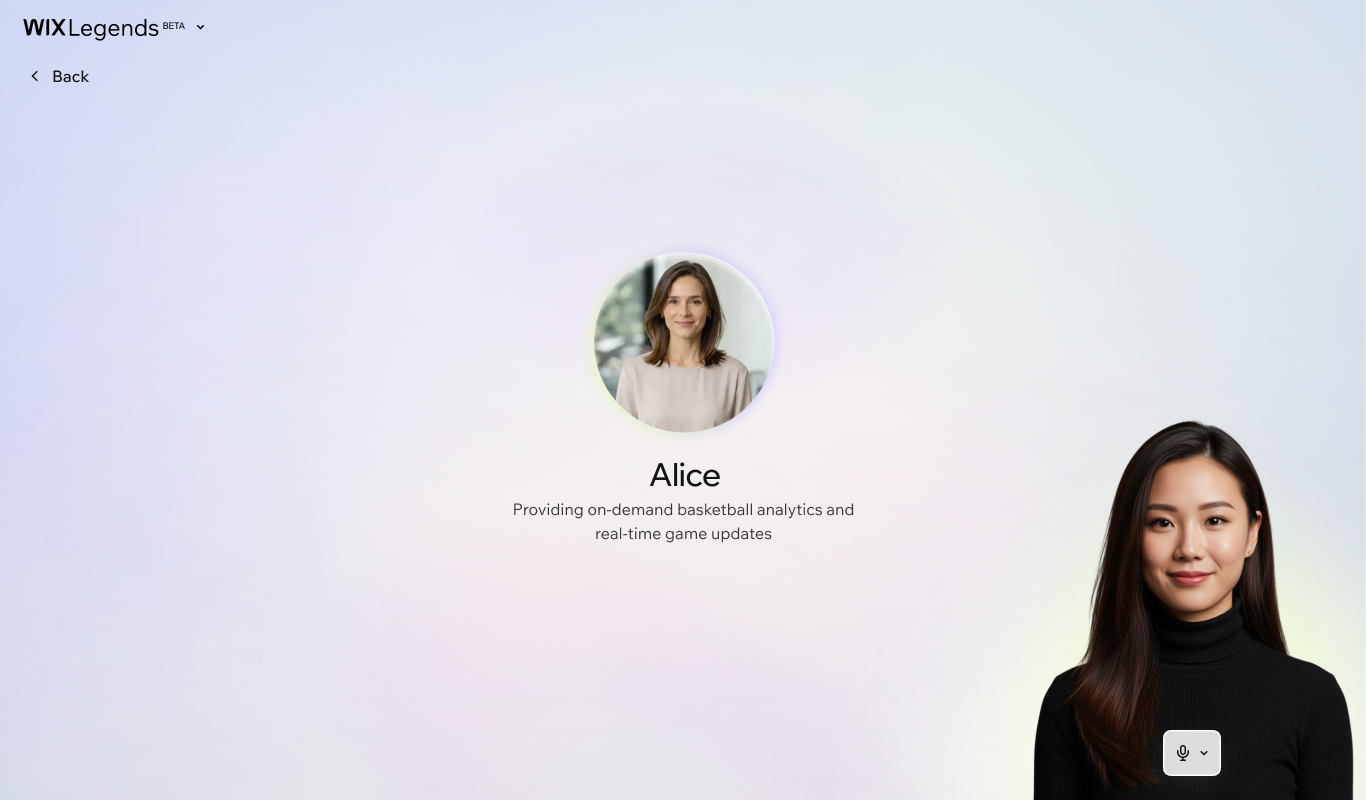
Users lost patience with the long conversational onboarding and explicitly asked when they would actually get to see their avatar. We replaced the open-ended interview with a streamlined two-question setup (Name & Intent), capturing the primary AI prompt immediately and removing setup friction.
2. User-Centered Layout Shift
Users wanted to see themselves and their work front-and-center rather than staring at Atlas, while also needing easier access to edit their content. We moved Atlas to a side panel and put the user’s canvas in the spotlight, making editing intuitive and keep the avatar creation process highly visible.
3. Instant Video Preview
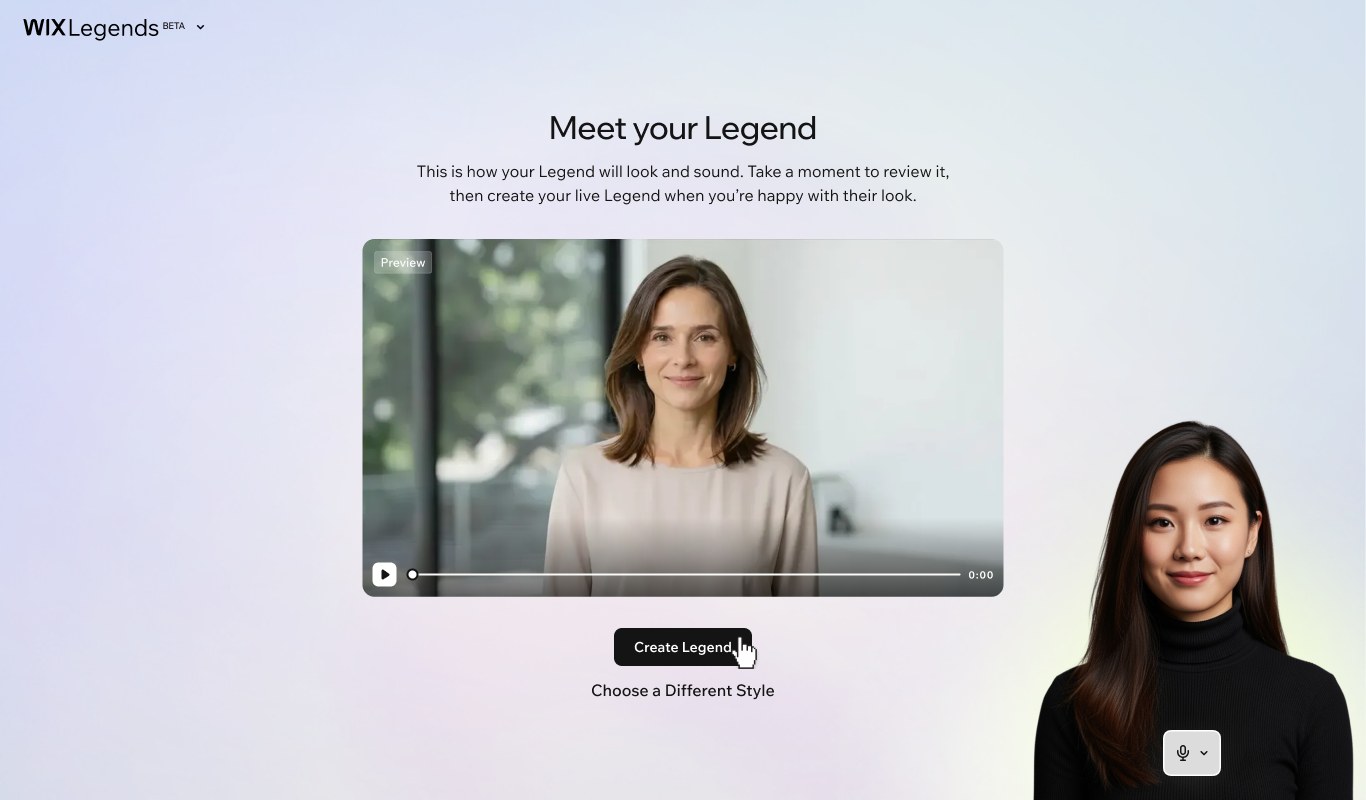
Because rendering full AI video takes hours, users had no way to instantly validate what they created, which caused drop-offs. We bypassed this limitation by generating an immediate, lightweight video preview that combines face, voice, and intent for instant confirmation.
4. Frictionless Stock Avatars
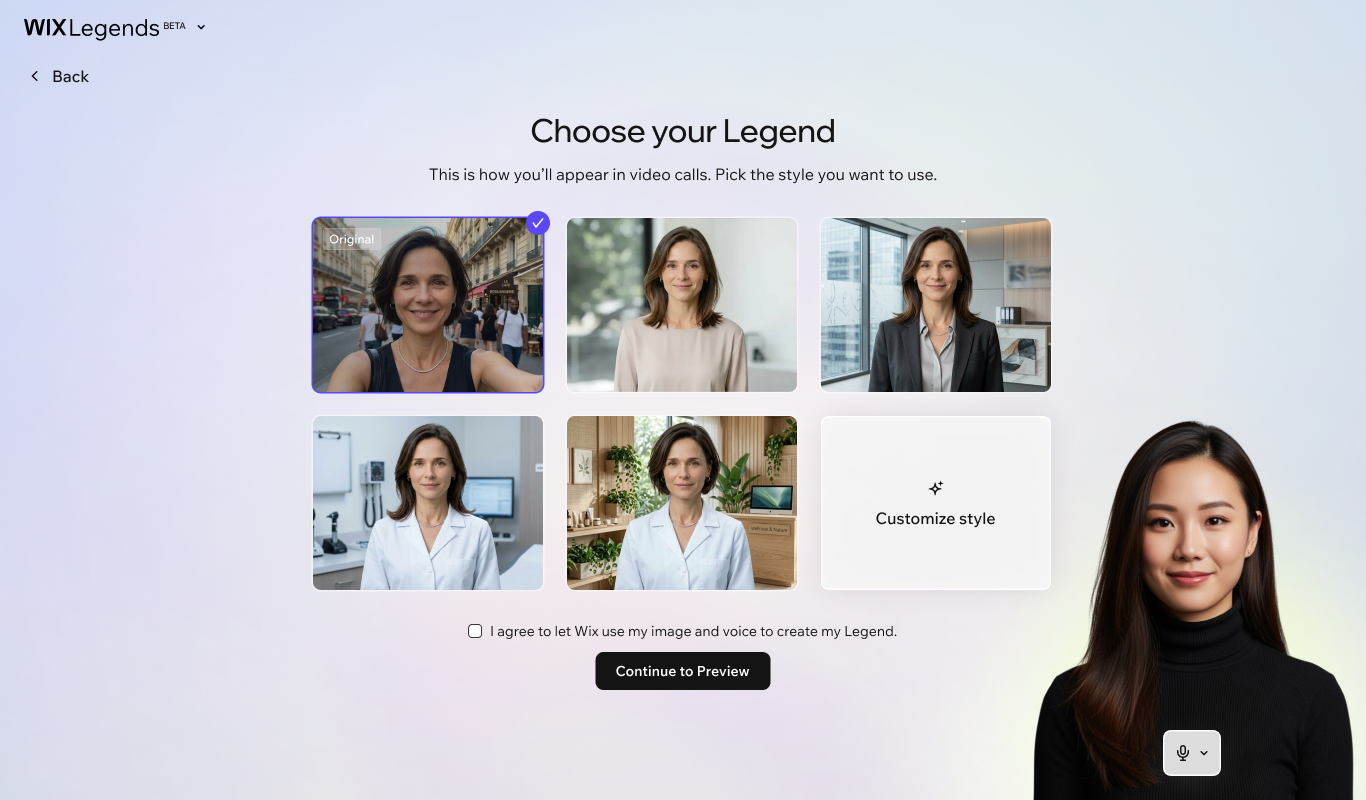
Not everyone wants a digital clone—some users felt cringe facing a synthetic version of themselves, while others simply needed an avatar representing a brand or business. These insights validated our roadmap hypothesis, so we introduced pre-made stock avatars as a one-click alternative, letting users skip the self-cloning hesitation and get straight to value.
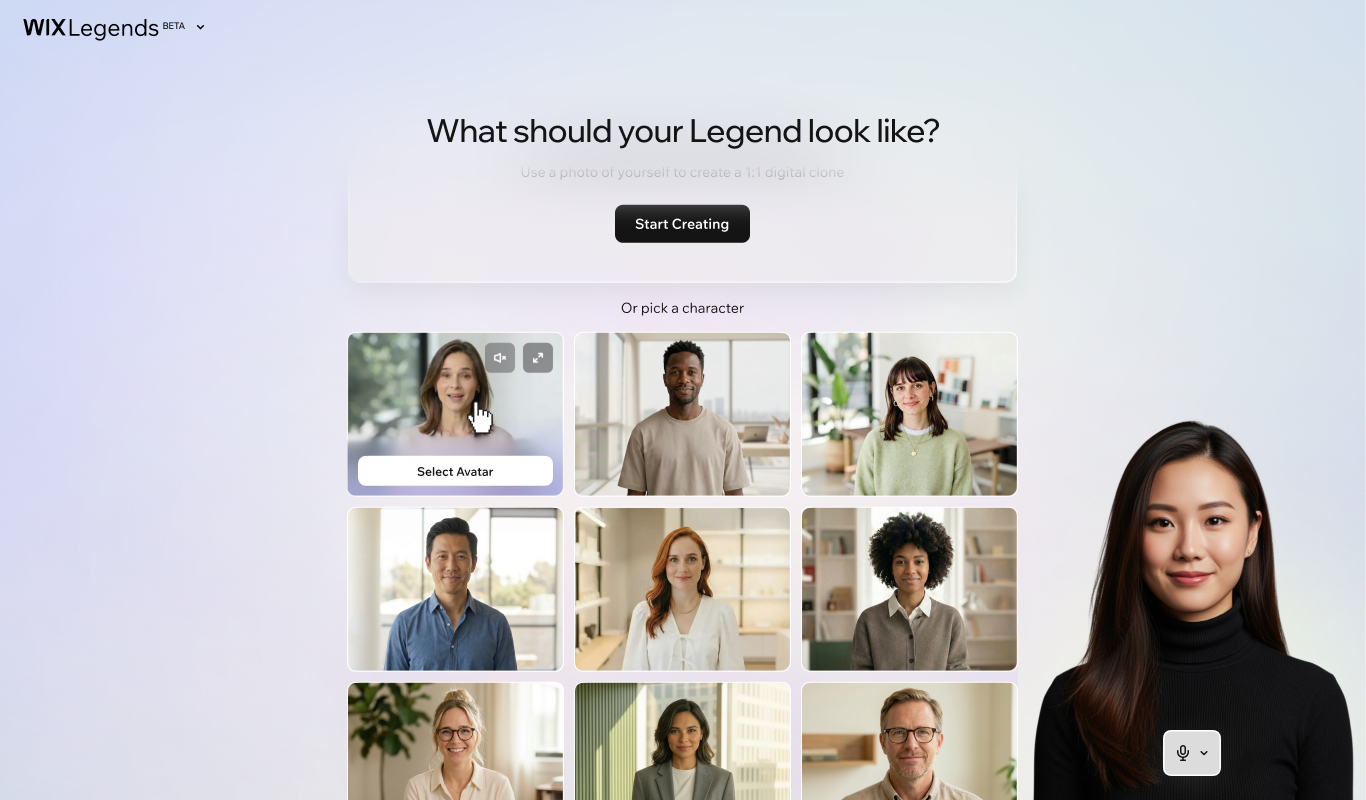
5. Workspace Integration
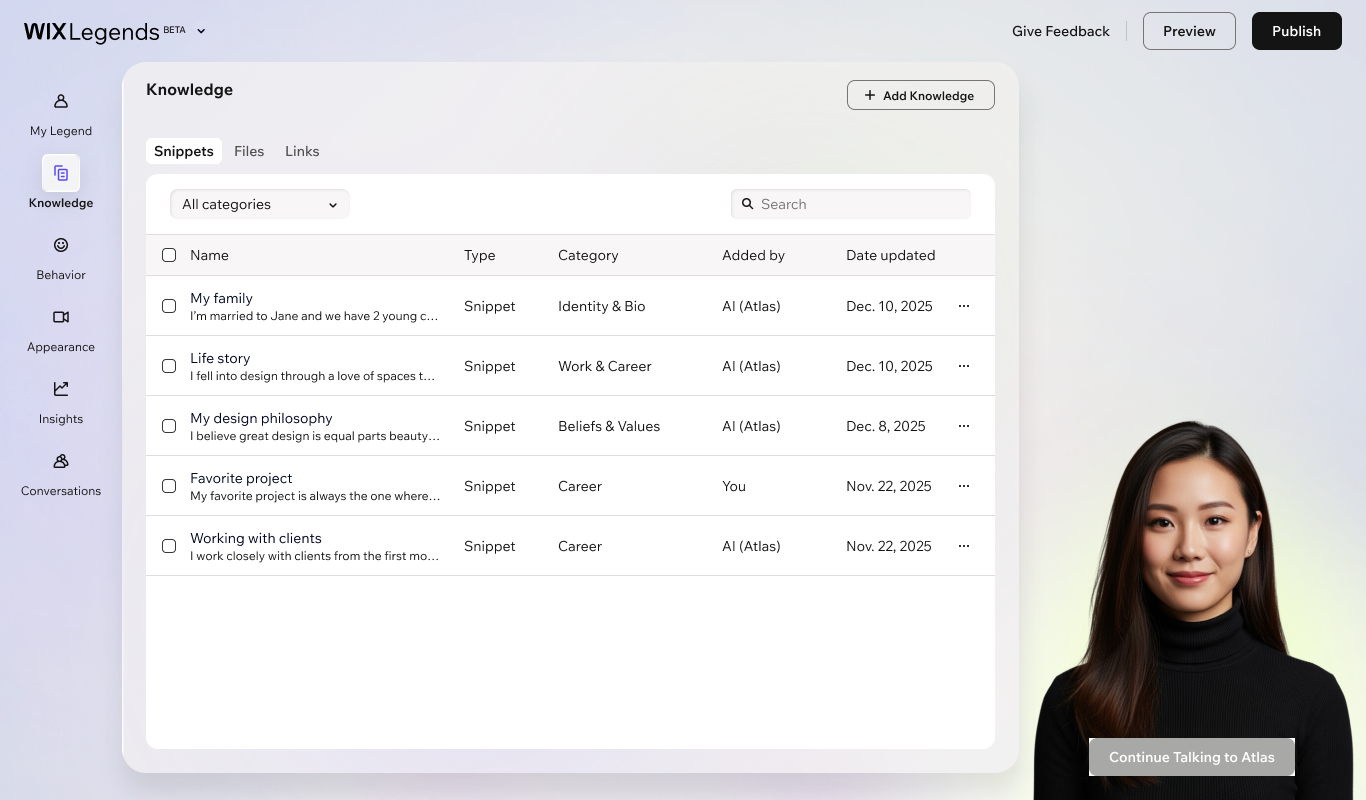
We knew users would eventually need a full workspace to manage knowledge bases and settings. Testing validated that after the initial setup, users immediately expected a structured dashboard to refine their output, leading us to bring the workspace forward into the primary flow.
Clone yourself
Use a ready-made stock avatar
From Setup to Ongoing Control Over Your Avatar
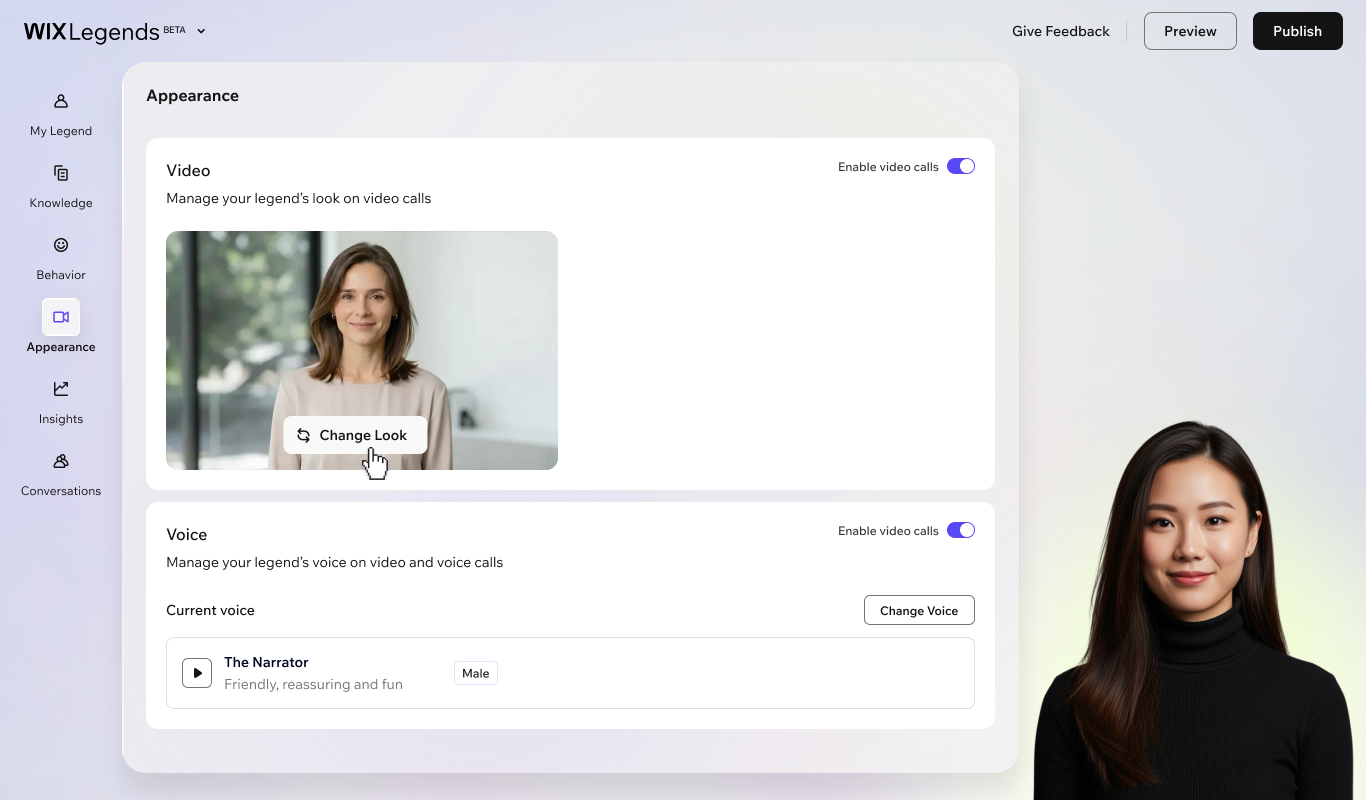
The Workspace lets you fine-tune every detail—from knowledge files and voice settings to behavior and conversation insights. Edit manually or ask Atlas, your AI copilot, to execute changes for you with a live preview before publishing.
Designing a Natural Avatar Interaction
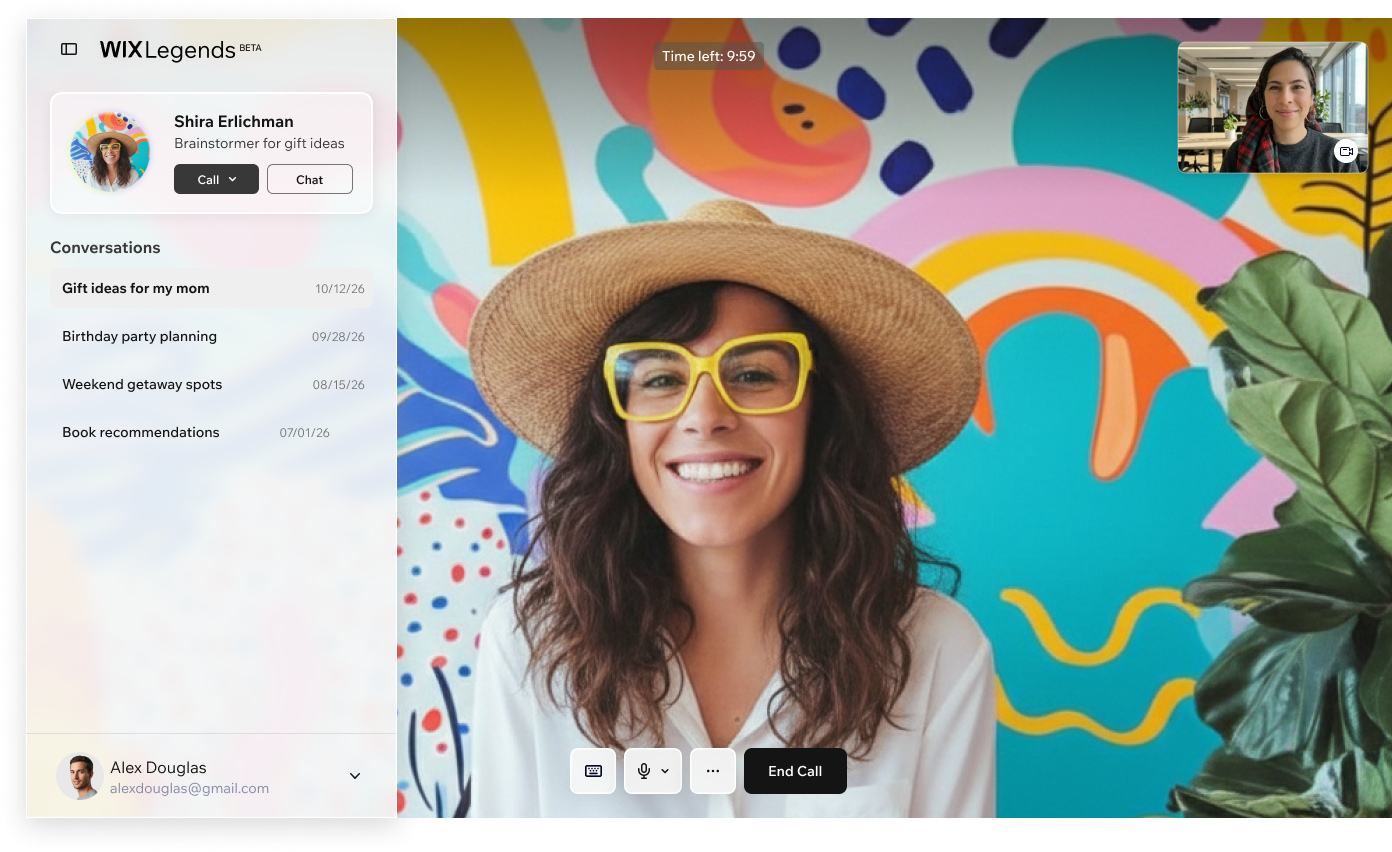
While shaping the creation flow for creators, we made sure the end-user (the visitor) receives a seamless and engaging experience. Whether interacting with a sales agent, a personal advisor, or an expert persona, the video interaction was designed to feel natural, responsive, and trustworthy. We validated this experience through end-user interviews to ensure high engagement and fluency during live conversations.
Real-World Beta Adoption
Once the product went live in beta, we saw it come to life across diverse real-world use cases—from AI assistants guiding jewelry shoppers to interactive sales agents handling service queries on live websites. While broad quantitative data is still being gathered ahead of our full public launch, early qualitative research and user interviews confirm strong satisfaction, proving that removing onboarding friction directly unlocked genuine product engagement.